
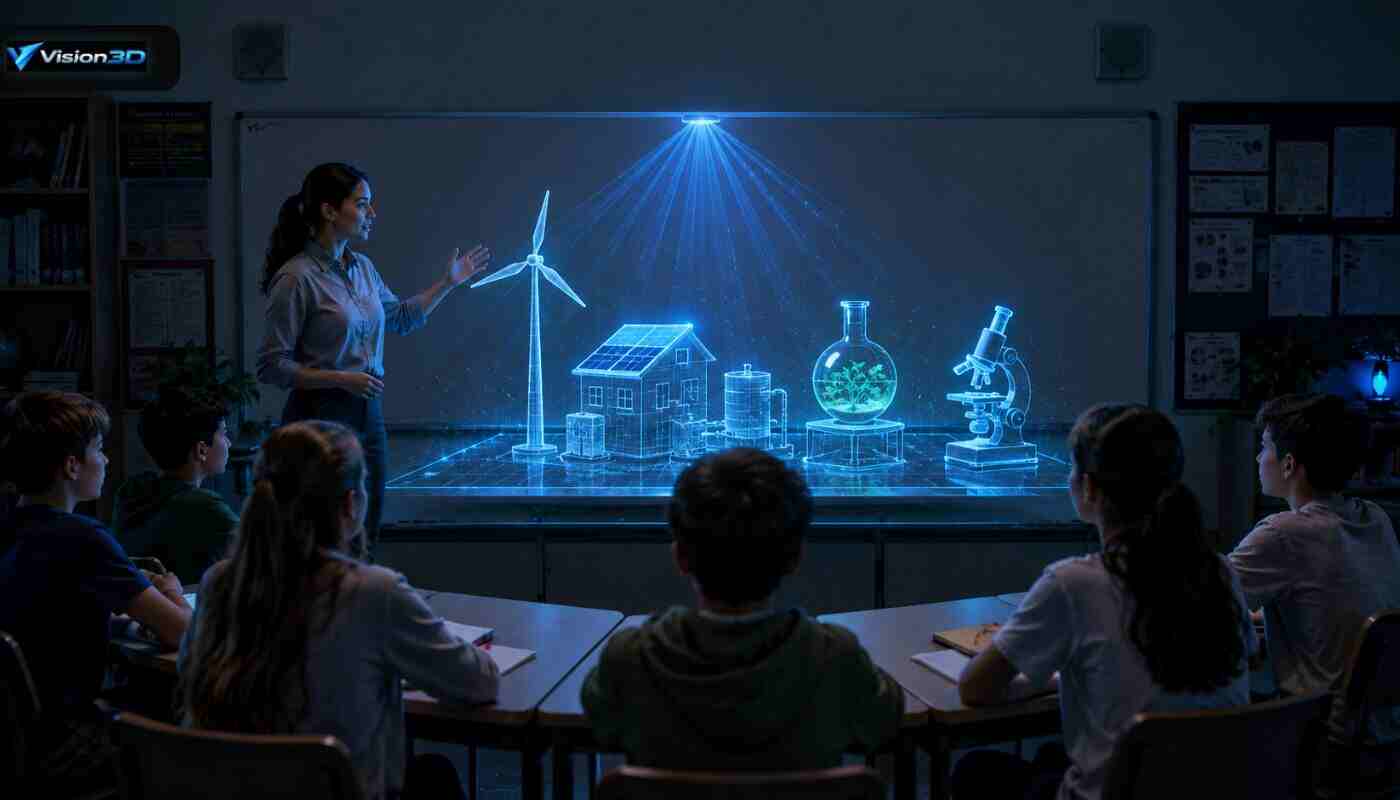
The use of hologram in education is an amazing new way to get students to learn; a concept they might not otherwise understand. If we approach the task of designing a digital learning project with a bit of care and attention, we can improve engagement and retention and create memorable lessons using a hologram device. This blog is intended to assist you in planning, designing, and deploying a hologram table or 3-dimensional hologram presentation to be successful in the classroom.
Why Holograms Improve Learning?
A holographic display presents content in a spatial format, allowing students to explore objects from multiple angles and interact with different layers. This immersive approach engages visual, kinesthetic, and auditory learners. Architecture, anatomy, molecular modeling, and other spatial or structural relationships are easier to comprehend with hologram technology.
Plan Your Project: Goals and Content
- Define learning objectives. State the knowledge/skills that students will learn through the lesson, and connect the knowledge/skills of the holograms to these stated learning goals.
- Choose a material that is suitable for 3D representation. Choose a topic that has depth or layers to see, e.g., cell structure, engineering prototype, or reconstruction of history.
- Decide on format. Use a hologram table for group exploration and collaborative work, a portable hologram device, or a 3D hologram presentation for lectures or small group exploration.
Designing Effective Holographic Content
- Keep information and demonstrate performance. Develop 3D models that represent the important concepts but are designed to be played back without stuttering on class computers.
- Add interactivity. Introduce rotation, layer controls, labels, and basic animation so that students have the ability to interact with their models and test their hypotheses.
- Accessibility matters: add audio narration, text captions, and color contrast choices so the hologram in education project can serve a wider range of learners, not just one kind of person.
Hardware and Software Choices
- Hologram table vs hologram device. A hologram table is suitable for multiple persons viewing or working simultaneously, a hologram device is suitable for a presenter to demonstrate or for individual exploration. Match to the classroom setup and lesson goals.
- Compatibility and testing. Check that your 3D models and presentation software work with the holographic equipment and that it will be visible and fit the viewing angles in the actual classroom lighting.
- Budget and maintenance. Take into account the costs of purchase, running costs, and training. Make sure the hardware is robust and requires simple and easy maintenance to keep up-time.
Lesson Implementation and Classroom Management
- Pilot it first. Just start with one lesson or unit, gather teacher and student feedback a bit, before you scale up.
- Scaffold learning. Use pre-activity briefs to introduce concepts, engage with concepts through hologram sessions, and consolidate learning in post-activity assessments.
- Organize groups and time. Ask students to assume various roles (operator, presenter, recorder) and also attempt to keep the hands-on activity to 15-20 minutes per group, so keep students focused.
- Safe handling. Instruct students on how to operate or communicate with the hologram device and how to ensure that the fragile components are not damaged.
Assessment and Scaling
- Measure impact. Evaluate effectiveness using feedback from students and teachers, including teacher feedback on effectiveness (qualitative).
- Iterate content. Establish models and interactions with classroom data.
- Expand gradually. Successful pilots may be multi-level and multi-content, and content libraries are reused and scaled by levels of learning.
Real classroom model (illustration)
Think of a biology class about the human heart, with students surrounding a hologram table with a rotating 3-D heart. They alternate between layers to view chambers, valves, and animations of blood flow, answer guided questions, and then complete a short quiz where they match what they see on the hologram with its physiological function. This sequence is designed to strengthen the understanding of language through the visual and to link that understanding to assessment.
Final words
Hologram in education project can be a hologram table for interactive learning, or a hologram device for in-depth 3D hologram teaching, it can make the classroom become an interactive learning scene and an inquiry scene. By defining clear goals, organizing content effectively, and implementing projects successfully in the classroom, educators can significantly improve student understanding and participation through holographic learning. To know more about the Hologram in education, connect with the Vision3D customer care number.
FAQs
Ans. A surface that can show 3D images that many students can see at the same time.
Ans. It offers interactive, spatial models that enable students to delve into concepts from multiple perspectives.
Ans. Any subject taught with two or more dimensions, including: anatomy, architecture, and planetary systems.
Ans. Yes—with easy training for teachers and equipment as required.